
Installed App Scanning
Scan the apps on your device to analyze requested permissions, calculate risk scores, and identify apps that deserve closer attention.
Privacy Guardian scans installed apps, reviews sensitive permissions, detects known trackers, monitors recent sensor activity, and gives you stronger control with Ghost Mode. It turns complex privacy signals into a clear dashboard you can actually use.
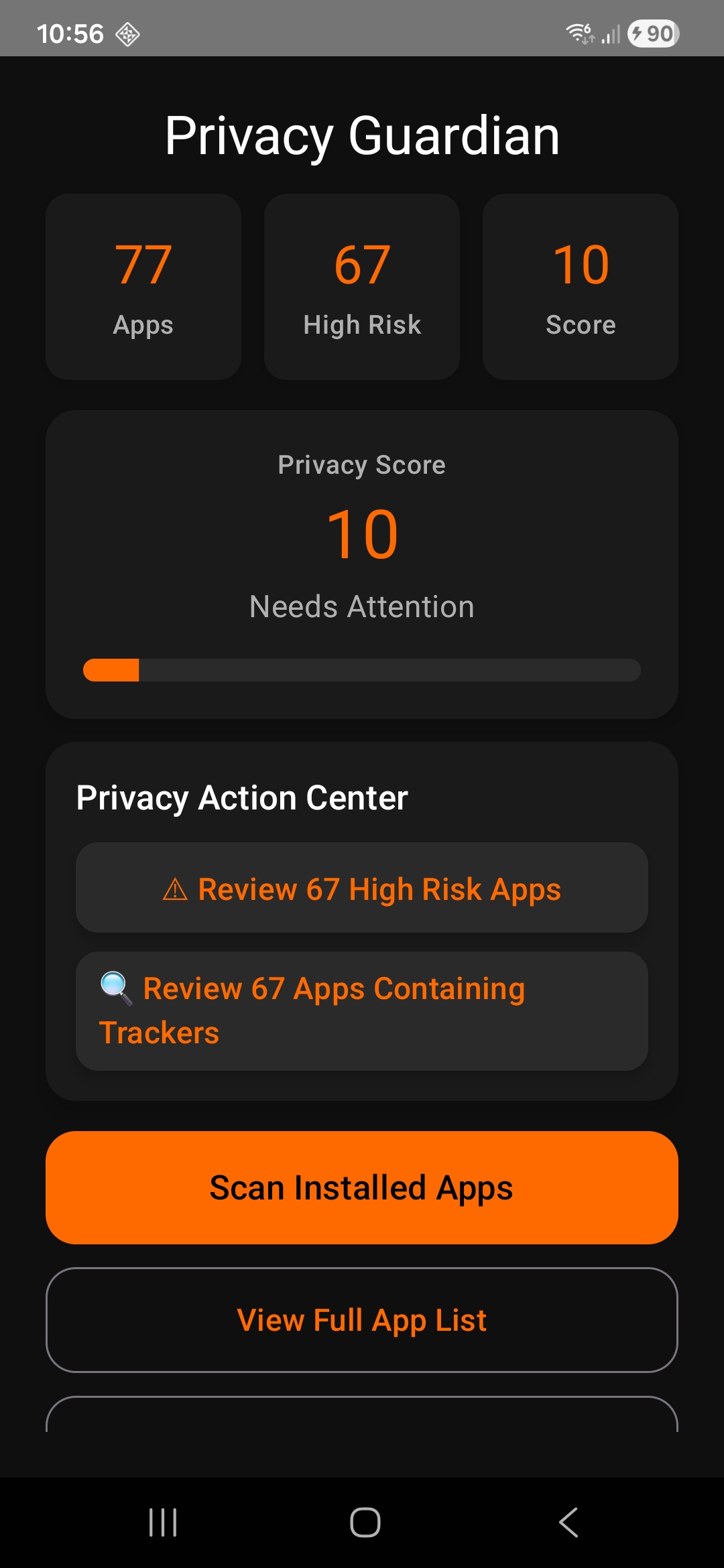
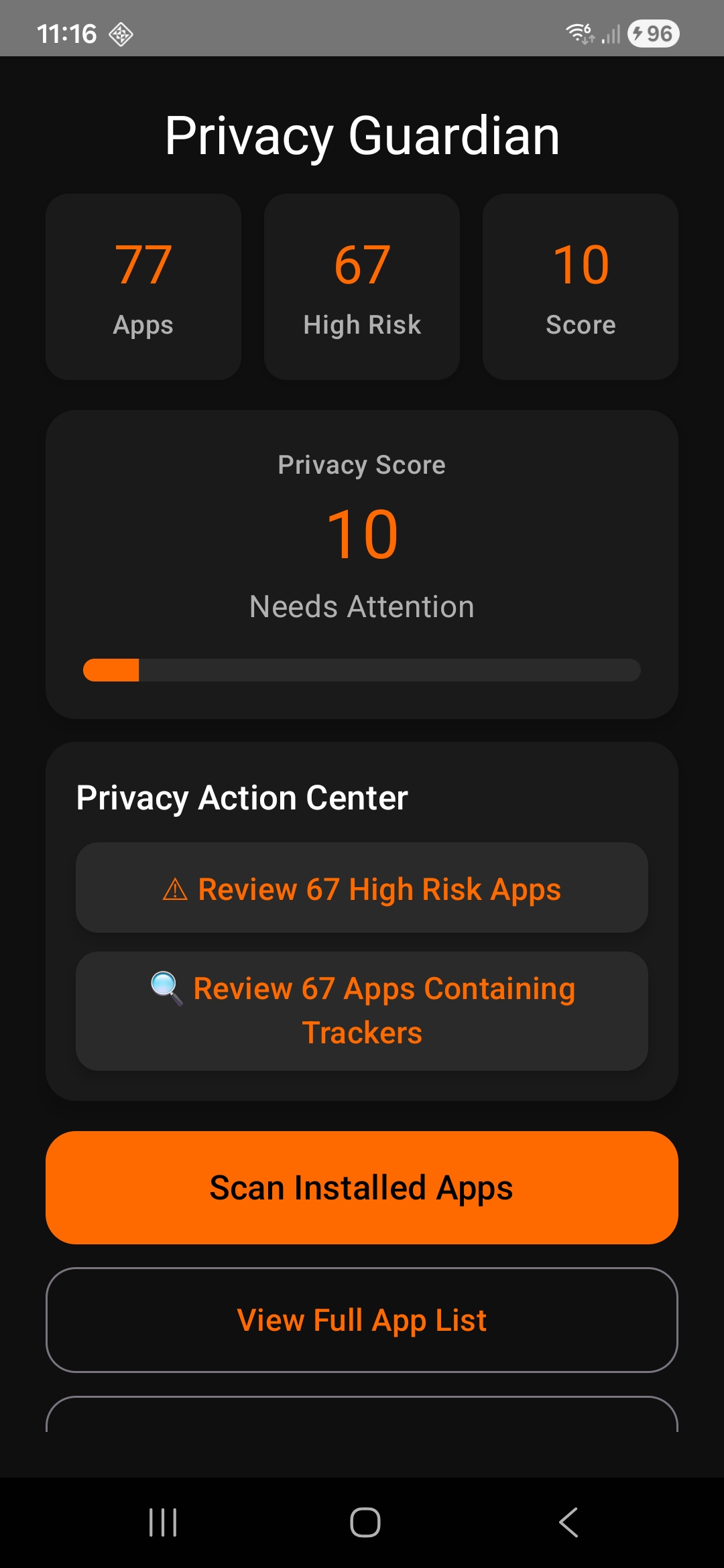
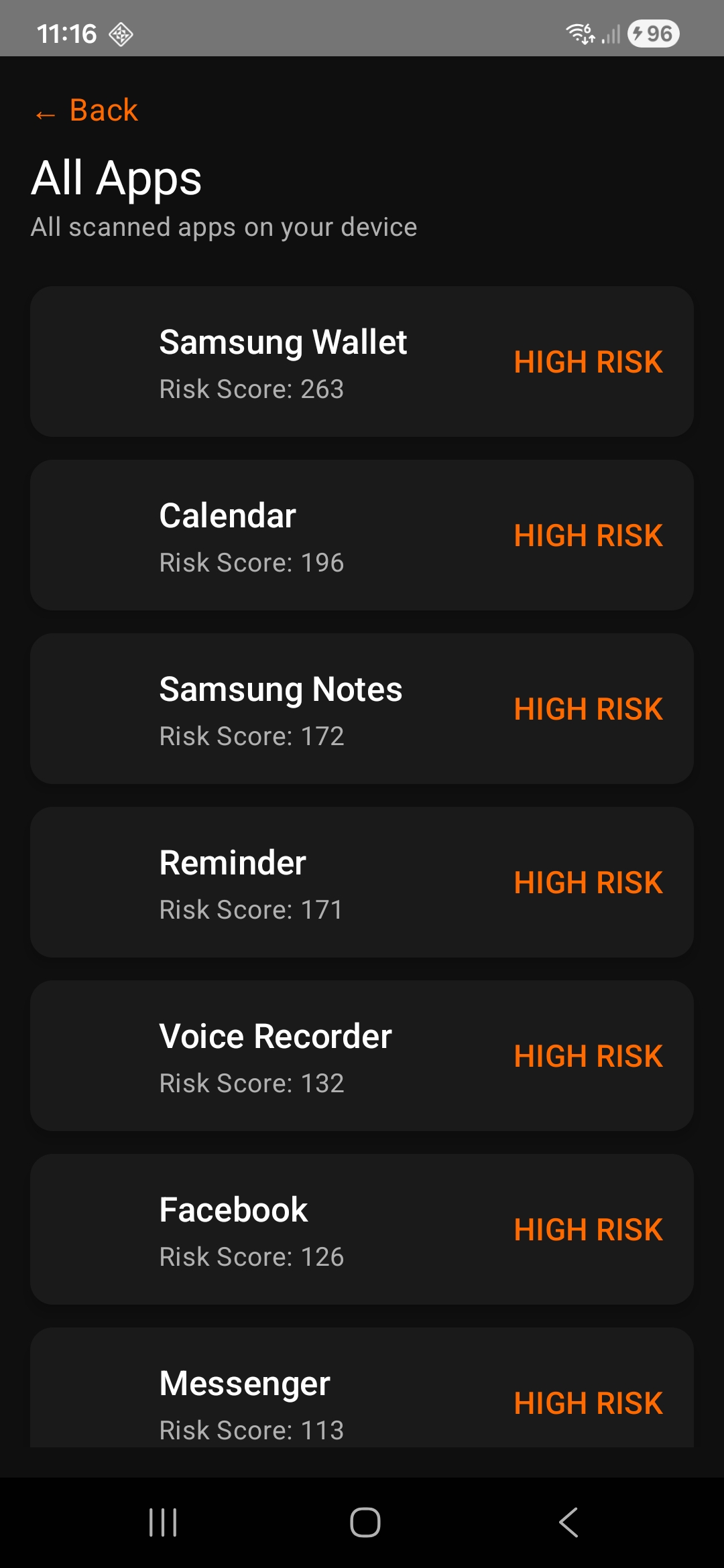
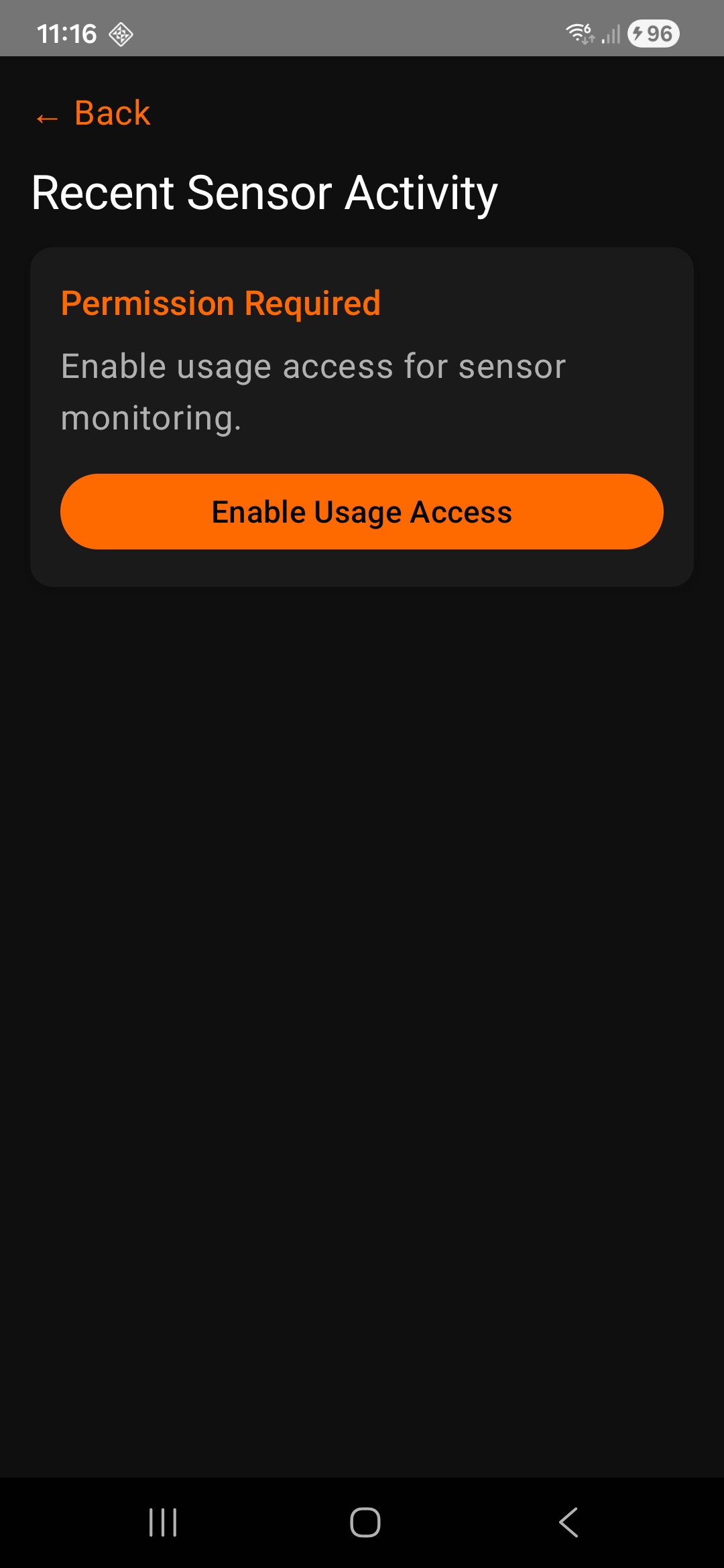
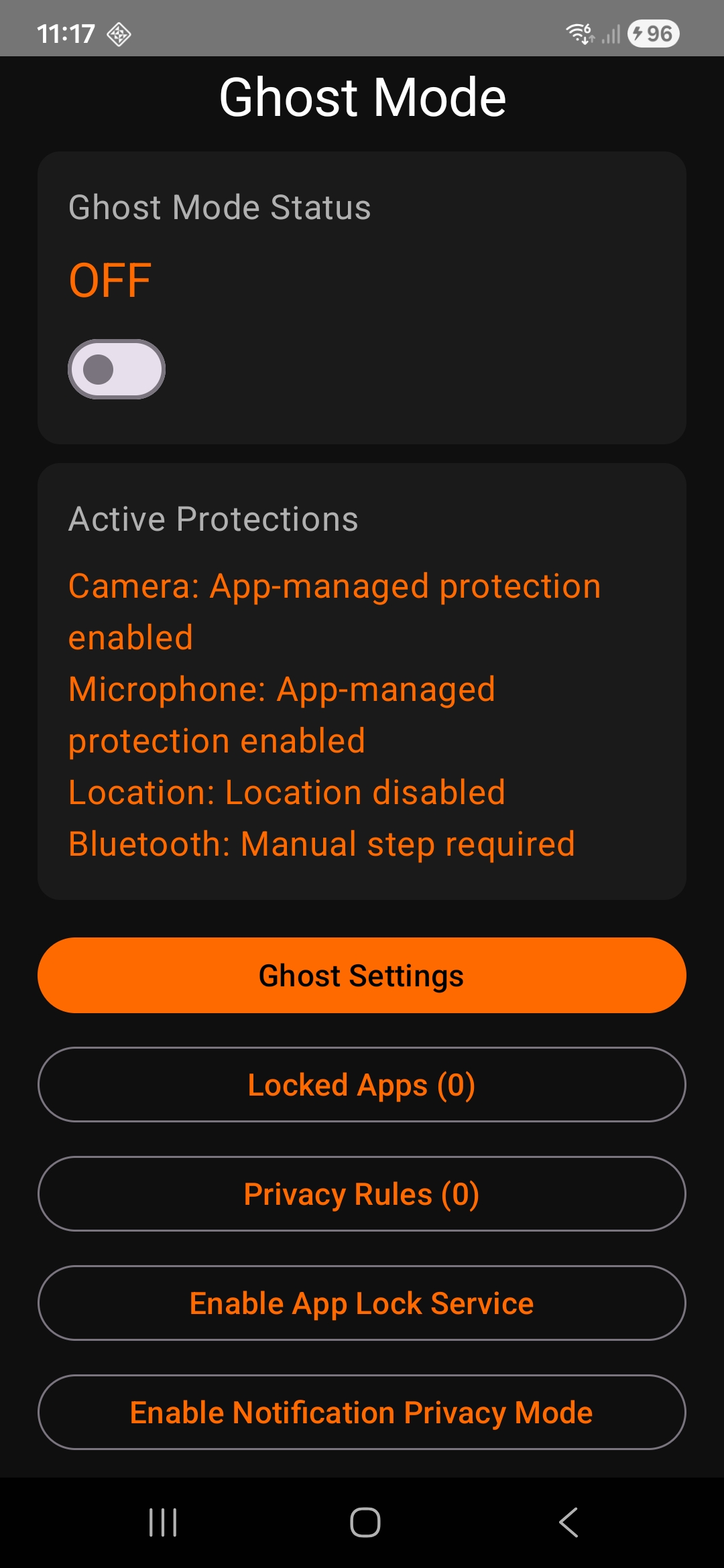
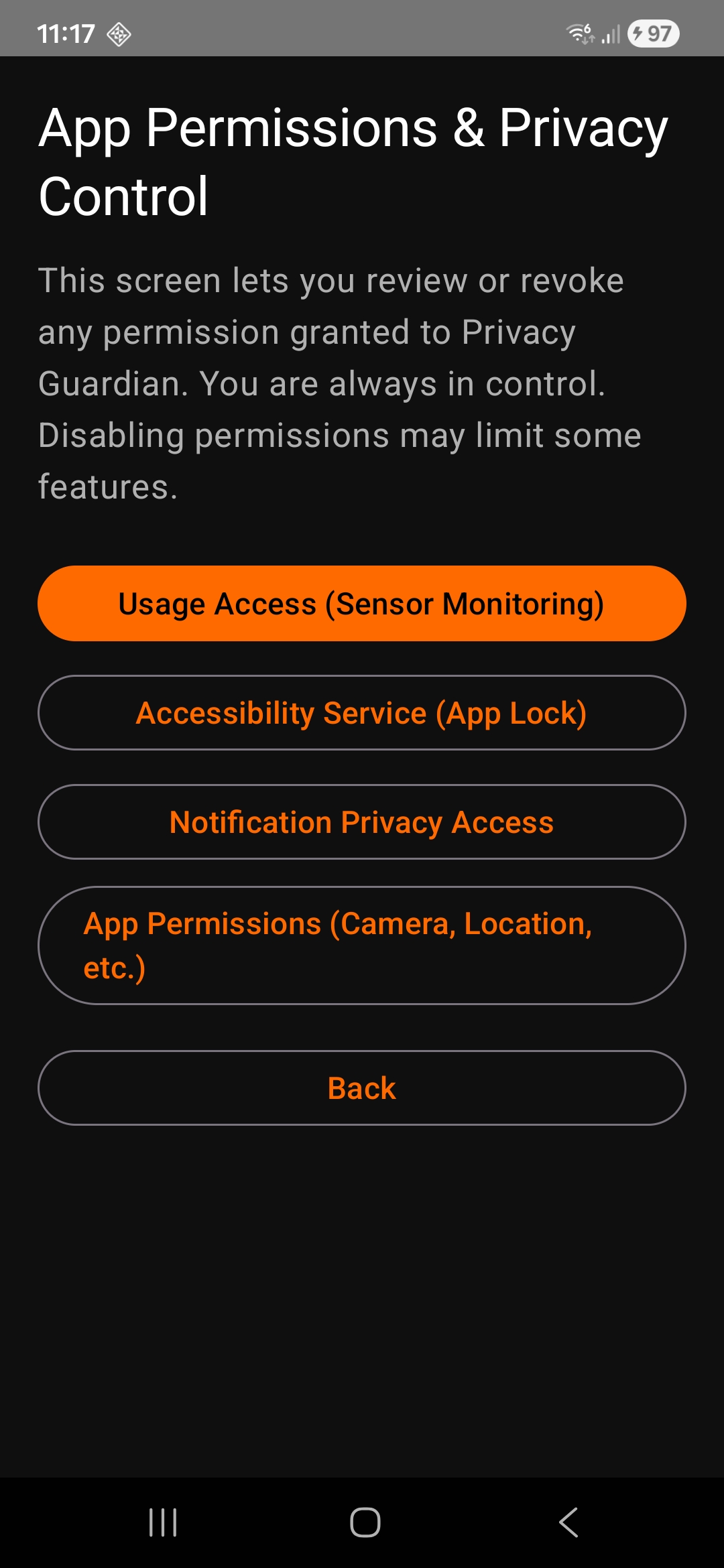
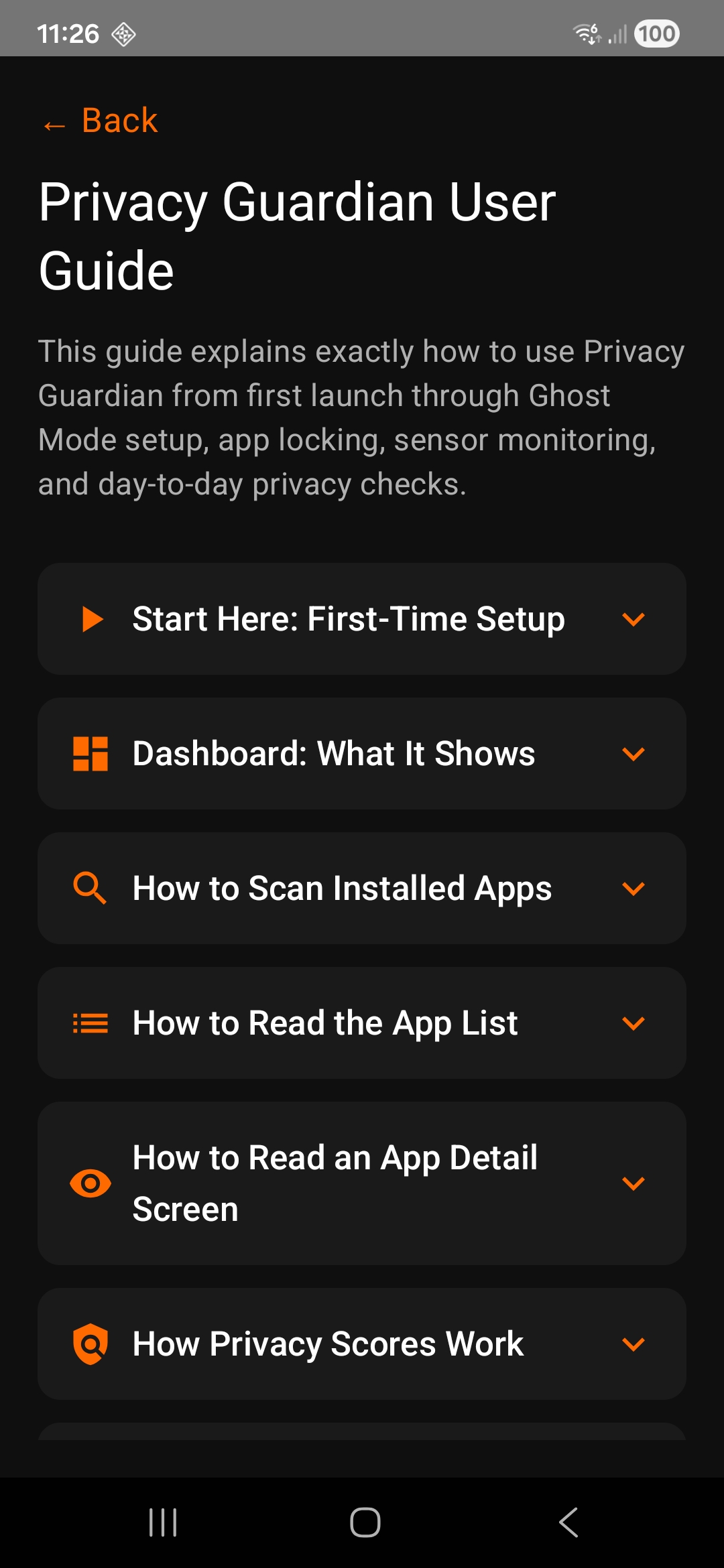
Privacy Guardian combines app scanning, tracker detection, sensor awareness, and privacy controls into one Android experience built for real-world use.
Scan the apps on your device to analyze requested permissions, calculate risk scores, and identify apps that deserve closer attention.
Risk scores and labels like Safe, Moderate, and High Risk make it easy to spot which apps have broader access to your private data.
Review apps that include known tracking libraries so you can better understand how your data may be used for analytics, ads, or behavioral profiling.
Check recent camera, microphone, and location-related activity so unexpected sensor use does not go unnoticed.
Group stronger privacy behaviors in one place with app locking, notification privacy access, and quick links to the system settings that matter most.
Choose which installed apps should be locked during Ghost Mode for an added layer of privacy when you want more control over sensitive content.
Most people do not need more technical noise. They need to know which app is risky, what it can access, whether trackers are present, and what action to take next. Privacy Guardian focuses on exactly that.
It does not pretend to be magic. Instead, it works within Android’s real system boundaries and helps you make better privacy choices with clearer visibility and better control.
Privacy Guardian is designed around a workflow that feels fast, clear, and useful from the first scan.
Analyze apps already on your device and generate a privacy overview based on permissions, trackers, and risk levels.
Open app details to inspect sensitive permissions and known tracking libraries with a clearer privacy context.
Check recent camera, microphone, and location activity to see when privacy-sensitive resources may have been used.
Turn on stronger protections, configure settings, lock selected apps, and use guided system controls for daily privacy.
Privacy Guardian works well for anyone who wants more visibility into what their Android apps are doing.
Get a clearer understanding of which apps request sensitive access and whether those apps deserve trust.
Review trackers, sensor activity, and stronger controls without digging through scattered settings menus.
Use Ghost Mode, locked apps, and guided privacy actions when you want a more intentional privacy routine.
Privacy Guardian helps you understand what your apps can access, which trackers they may contain, and how to respond with stronger privacy settings and controls.